This article is general guidance, not legal advice.
The right number of desks for a hybrid office depends on how many people need to be in the office at the same time, not just the total headcount. Use real attendance patterns, team needs and a little practical flexibility to plan a setup that avoids both crowded days and unused desks.
Key Takeaways
- Start with actual office attendance by day and team, rather than a single company-wide estimate.
- Identify roles that need a regular assigned workstation and those that can share desks.
- Plan for peak attendance, meetings, visitors and occasional schedule changes.
- Consider lockers, team zones and booking arrangements alongside desk numbers.
- Review the plan after the team has used it and update quantities when patterns change.
The 2-minute version
- Check attendance: review who comes in, which days and how often desks are shared.
- Identify fixed needs: note roles or equipment that require a regular workstation.
- Estimate busy-day demand: look at the highest normal overlap, not an unusual one-off event.
- Plan shared resources: include meeting rooms, lockers, focus spaces and booking habits.
- Trial and review: start with a workable arrangement, gather feedback and adjust.
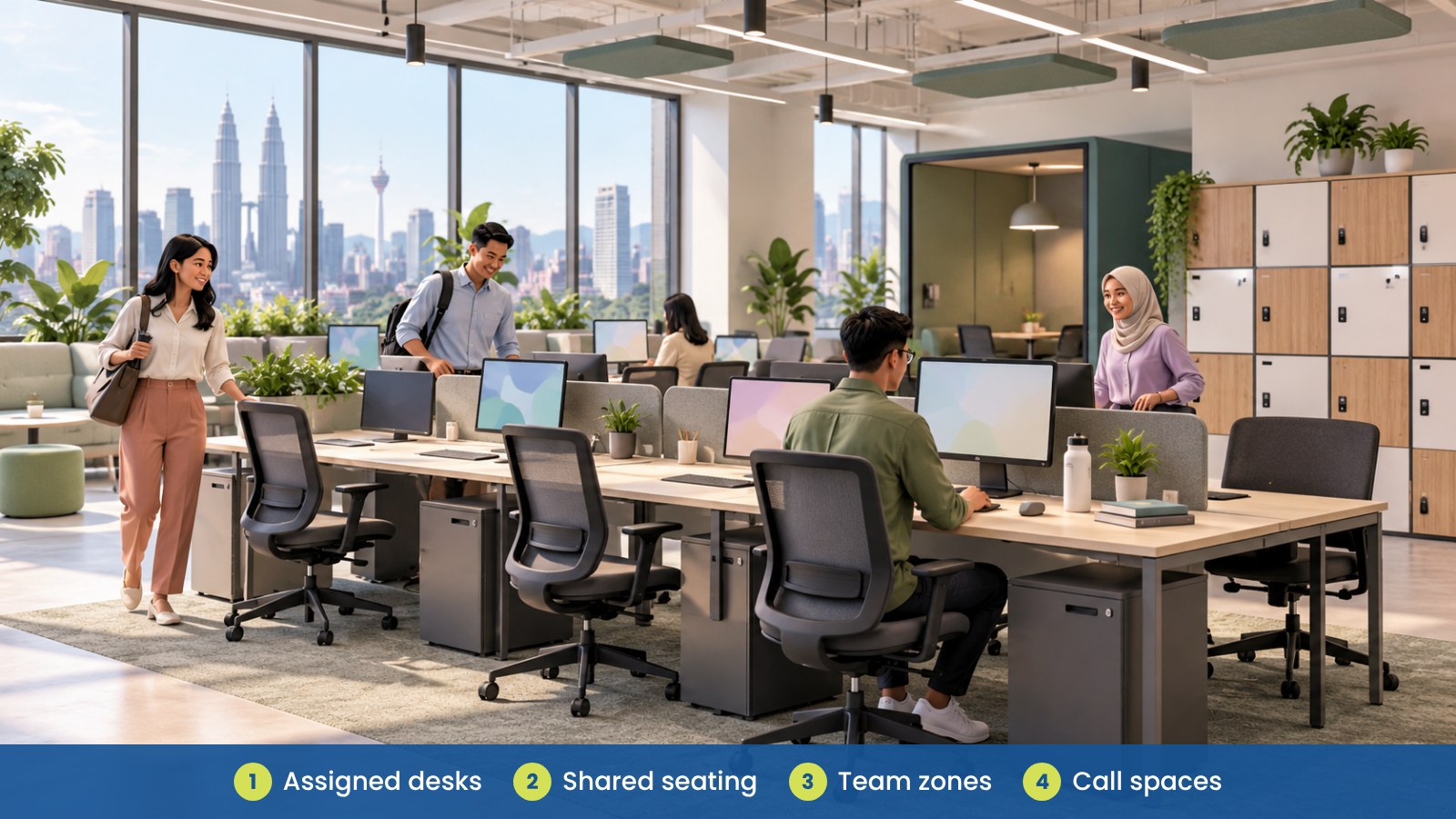
How do you decide how many desks a hybrid office needs?
Begin with simultaneous demand: how many employees are likely to need a desk at the same time? Total headcount alone does not answer this. Two teams may have different attendance patterns, and some roles may need to be on site more regularly than others.
Review recent attendance information if you have it. Look at typical busy days, recurring team meetings, training periods and seasonal peaks. Use a normal high-demand day as a planning reference, then consider how your office will handle occasional exceptions.
Which employees need assigned desks?
Some people may need a consistent workstation because of their role, equipment, regular on-site responsibilities or specific team arrangements. Others may be able to use shared desks. Ask managers and employees what the work requires before deciding which seats are fixed and which are bookable.
Take specialist equipment into account. A shared desk may not work well if the user must repeatedly set up equipment, keep project materials nearby or use a particular workstation arrangement. Where possible, separate genuine operational needs from personal preference so the plan remains clear and fair.
| Work pattern |
Desk planning approach |
What to confirm |
| Regular on-site role |
Consider an assigned workstation or a consistent team area |
Role needs, equipment and attendance pattern |
| Hybrid team member |
Consider bookable or shared seating |
Likely office days and desk-sharing expectations |
| Mobile or client-facing role |
Consider flexible touchdown seating |
How often the person needs a desk and for how long |
| Project team with peak days |
Plan a shared team zone for common attendance periods |
Meeting schedule and peak overlap |
| Visitor or temporary user |
Keep a small amount of flexible capacity if needed |
Frequency, booking process and equipment needs |
How can you estimate peak attendance?
Use attendance data from a representative period, where available. Compare days of the week and team schedules to understand when people overlap. If you do not yet have reliable data, ask managers for a practical estimate and review it after the hybrid arrangement has been in place.
A simple planning exercise can help: list the people expected in the office on each typical day, mark any roles that require assigned desks, and note shared spaces used for meetings or collaboration. This shows where desk demand is concentrated and whether a team zone may work better than one large pool of desks.
Do not base the whole plan on a quiet day or on an unusual all-hands event. Plan for routine busy days, then decide how to manage occasional attendance peaks.
What else should you plan besides desks?
Desk count is only one part of a hybrid office. Employees may also need meeting rooms, private call areas, focus spaces, lockers and shared equipment. If the office has many shared desks but too few places for calls or meetings, people may still struggle to use the space effectively.
Consider how staff will book desks and find teammates. A clear team zone, basic booking process or shared calendar can make it easier for people to coordinate their office days. Keep the approach simple enough that employees will actually use it.
| Shared resource |
Why it may be needed |
Planning question |
| Meeting rooms |
Team discussions, clients and project sessions |
When do teams meet, and how many people attend? |
| Focus spaces |
Tasks needing a quieter environment |
Can staff find a suitable place during busy periods? |
| Phone booths or pods |
Calls and private conversations |
How often are they used, and where can they be placed? |
| Lockers |
Personal or shared equipment storage |
Where will people keep items when desks are shared? |
| Team zones |
Help colleagues sit near one another on common days |
Which teams need to work together in person? |
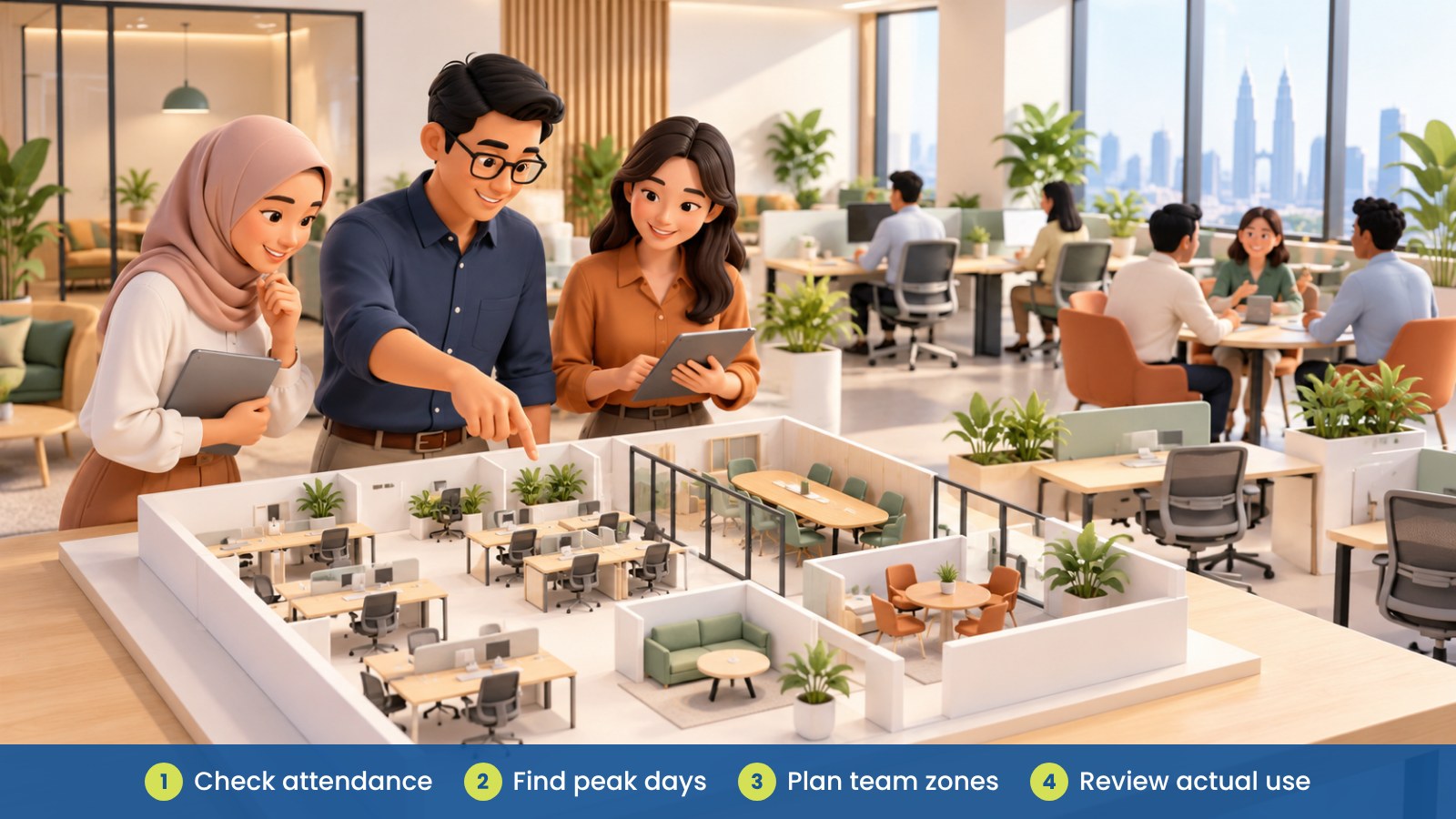
How should you organise shared desks?
Make it clear which desks are assigned, bookable or available for walk-in use. Provide a simple process for booking and cancelling, and decide how employees should leave a workstation for the next user. Clear expectations help reduce confusion without making desk sharing feel complicated.
Consider storage and equipment. Lockers or shared cabinets can help people keep personal items and work materials organised. If desks are used by different people, make sure users can adjust the chair and screen arrangement and know where shared accessories are kept.
For a short overview of workplace safety context in Malaysia, see OSHA for Offices in Malaysia. This article focuses on practical workspace planning; review site-specific needs with your own workplace and facilities teams.
Fictional example: a Kuala Lumpur team reviews desk demand
A fictional Kuala Lumpur company has staff working from home and the office on different days. Before adding more workstations, its admin manager checks attendance patterns and asks team leads which roles need regular access to equipment.
The company sets up team zones for common collaboration days, keeps assigned workstations for roles with consistent on-site needs and makes other desks bookable. It also adds lockers and reviews meeting-room use. After a trial period, the team adjusts the setup based on actual demand and employee feedback.
What common mistakes should you avoid?
- Using headcount as the desk count: plan around how many people need desks at the same time.
- Planning for an average day only: check routine busy days and decide how to handle occasional peaks.
- Sharing every desk by default: identify roles and equipment that need a regular workstation.
- Forgetting storage and meeting space: plan lockers, calls and collaboration alongside desks.
- Making booking confusing: use a process that employees can understand and follow.
- Never reviewing the arrangement: compare the plan with real usage after people move in.
How can iGreen help with hybrid office planning?
iGreen can help assess a site, plan workstation quantities and arrange furniture for shared or assigned work areas. This may include ergonomic chairs, desks, storage and acoustic pods, depending on your team’s needs. A site assessment can help you review the layout and furniture mix before making changes, with delivery and installation available in Kuala Lumpur and Penang.
Request a site assessment from iGreen (KL and Penang).
Frequently asked questions
Should a hybrid office have one desk for every employee?
Not always. The right number depends on how many people need to be on site at the same time and whether some roles need assigned workstations.
How do we estimate desk demand if we have no attendance data?
Ask managers and employees about typical schedules, identify likely peak days and trial a practical arrangement. Review real use once the team has settled into the hybrid pattern.
What should we do about busy days when desk demand is higher?
Identify routine peak days and consider team scheduling, flexible seating or a clear booking process. Decide how to handle occasional exceptions before they happen.
What should employees have when desks are shared?
Provide clear booking and workstation reset expectations, plus suitable storage for personal or shared items. Make it easy for users to adjust furniture and find common equipment.