Choosing an ergonomic office chair in Malaysia starts with finding one that fits the person, the desk and the way the chair will be used. For long hours at a workstation, check adjustability, support, seat fit and the ability to try the chair before deciding.
Key Takeaways
- Look for adjustments that let different users set the chair to suit them.
- Check seat height, seat depth, back support and armrests in person where possible.
- Match the chair to the desk, work tasks and amount of time spent seated.
- Ask about warranty, delivery, assembly and after-sales support.
- Do not choose by appearance or price alone; test comfort and fit.
The 2-minute version
- Know the user: consider who will use the chair and how long they usually work at a desk.
- Check adjustments: see whether the seat and back support can be set to suit the user.
- Try the fit: sit in the chair and check the seat, backrest and armrests.
- Match the setup: compare the chair with the desk height and available workspace.
- Review the service: confirm product details, warranty, delivery and assembly arrangements.
What should you look for in an ergonomic office chair?
The word “ergonomic” is often used to describe furniture designed with the user and task in mind. It does not by itself tell you whether a chair will fit a particular person or work setup.
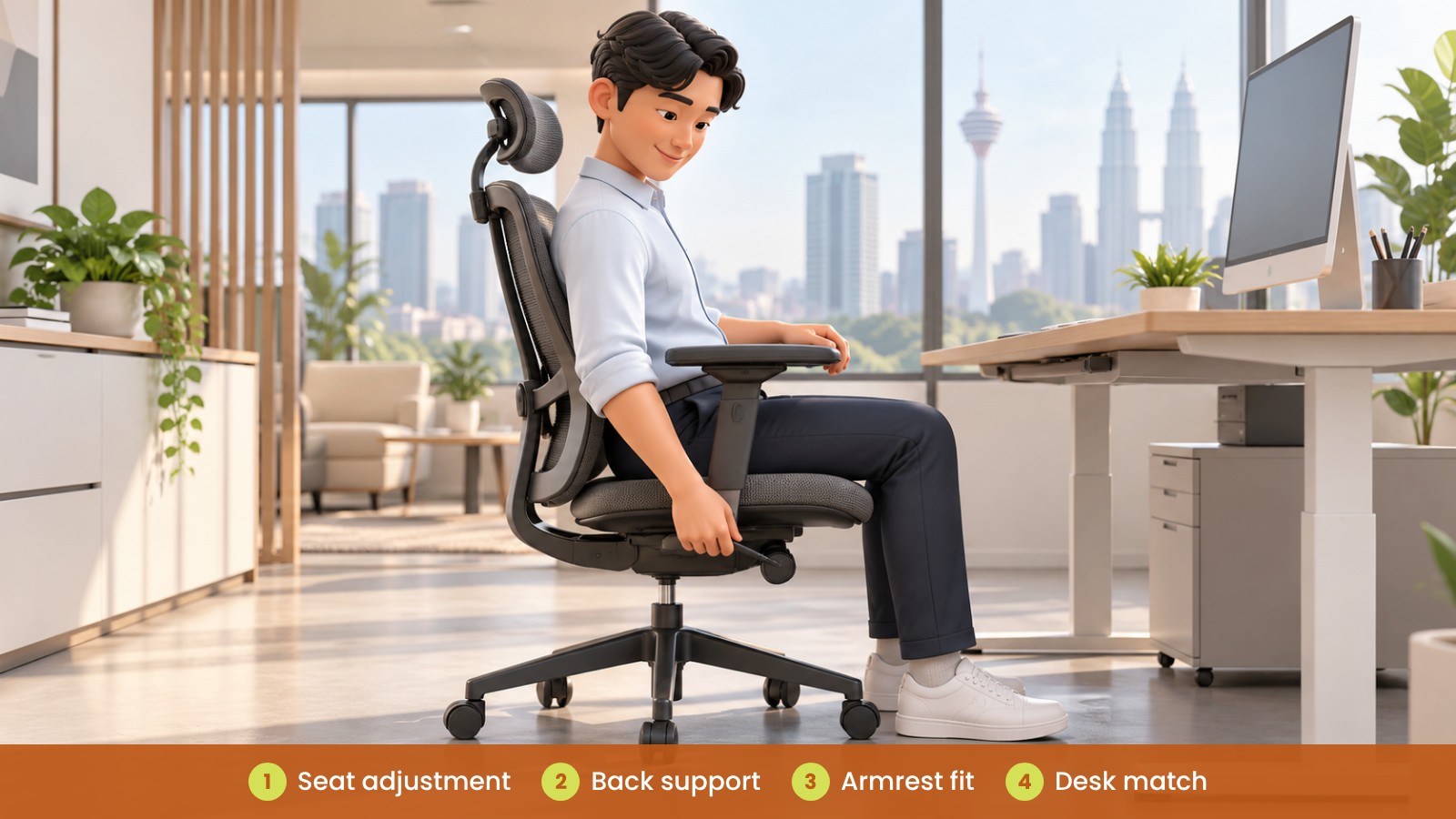
Look for practical adjustments and try them. Check whether the seat height can be set comfortably, whether the backrest feels supportive and whether the armrests work with your desk. If several people will share the chair, adjustability becomes especially useful.
Businesses in Kuala Lumpur, Petaling Jaya, Penang and Johor Bahru may be sourcing chairs for different office layouts. Match the chair choice to the people who will use it, rather than assuming one model suits every workstation.
| Chair feature |
What to check |
Why it matters |
| Seat height |
Can the user set a comfortable height relative to the desk? |
Helps the user fit the chair to their workstation |
| Seat depth |
Does the seat feel suitable when the user sits back? |
Supports a more comfortable seating position |
| Backrest |
Does it provide support where the user expects it? |
Personal fit and preference can differ |
| Armrests |
Can they be positioned comfortably with the desk? |
Helps avoid a mismatch between chair and workstation |
| Adjustability |
Are the controls understandable and easy to reach? |
Makes it easier to adjust the chair for its user |
How do you choose an office chair for long hours?
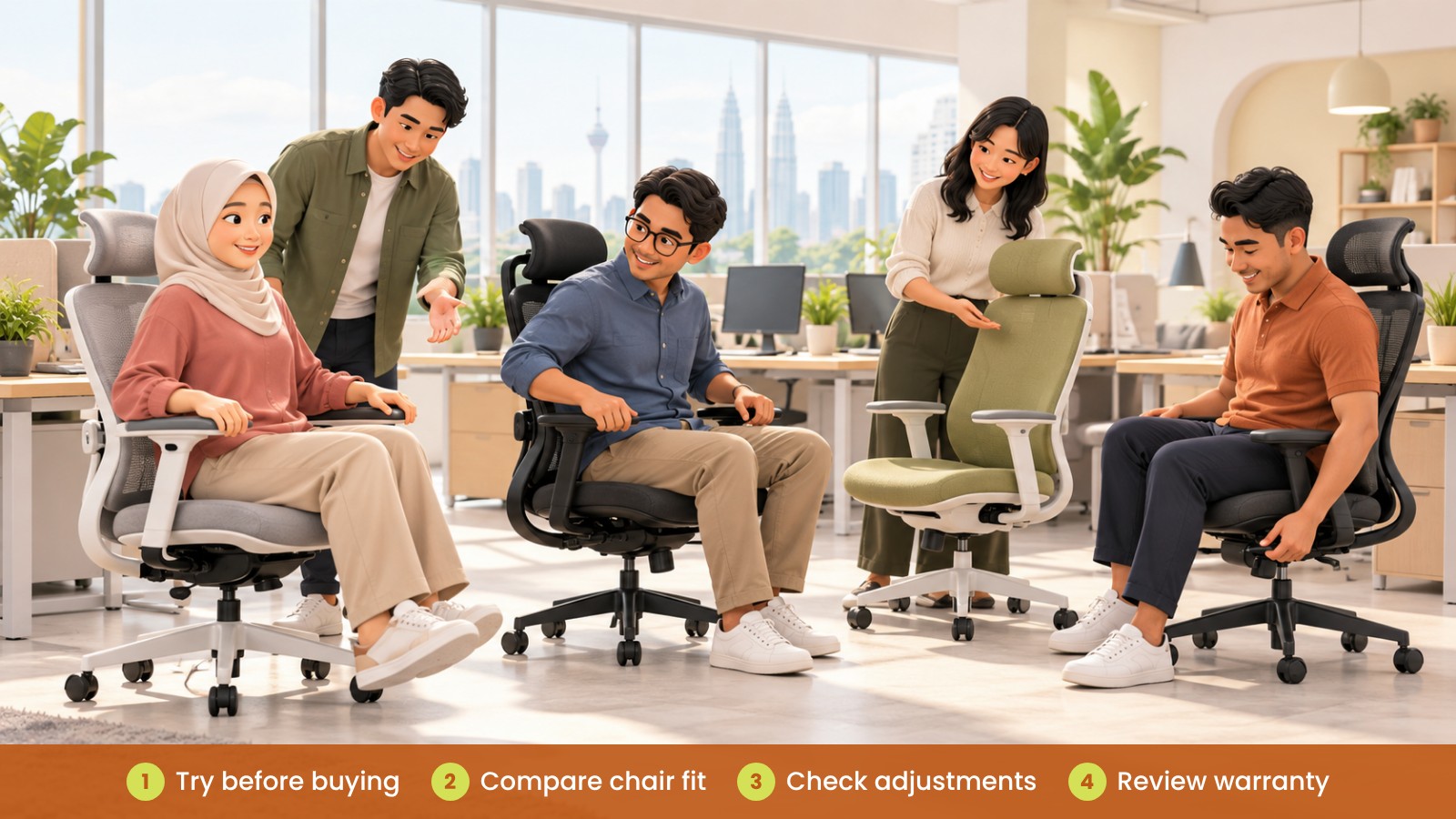
If staff spend much of the workday at a desk, give them a chance to sit in the chair and test the adjustments. A short showroom visit or a trial with representative users can reveal whether the chair feels suitable for the work routine.
Consider the whole workstation. The chair should work with the desk height, monitor position and available space. A chair with many features may still be a poor fit if the user cannot adjust it easily or it does not suit the desk.
Encourage users to adjust the chair when they start using it and to change position during the day as comfortable. A chair is one part of a workstation setup, not a replacement for reviewing the whole workspace.
Should you buy the same chair for everyone?
Using one chair model can make purchasing and maintenance simpler, but the fit may not work equally well for every employee. If you are standardising, test the chair with people who represent the range of users and workstations in the office.
For a larger purchase, ask the supplier about sample availability, adjustment instructions, spare parts and warranty terms. Confirm the details for the exact chair being quoted and keep the product information with your procurement records.
| Buying situation |
Helpful approach |
What to confirm |
| One chair for an individual |
Try the chair with the user’s desk |
Fit, adjustment range and delivery |
| Several chairs for one team |
Have representative users test the chair |
Shared requirements and user feedback |
| Office-wide purchase |
Compare a shortlist against different workstations |
Model details, warranty and after-sales support |
| Replacement chair |
Check what did and did not work with the current chair |
Dimensions, features and compatibility with the desk |
What should you check before ordering chairs?
Confirm the exact model, colour, quantity and any options included in the quotation. Check the warranty terms and ask who to contact if the chair needs adjustment, parts or service later.
For office orders, also check delivery access, installation arrangements and where the chairs will be placed. If you are replacing existing chairs, decide whether the old ones will be kept, moved or removed.
Searches such as “best ergonomic office chair Malaysia” can help you find options, but product descriptions alone may not show whether a chair is right for your team. Compare the features you can verify and try chairs where possible.
What are common office chair buying mistakes?
- Choosing a chair by appearance without testing how it feels.
- Assuming a popular or highly adjustable chair will fit every user.
- Ignoring the desk height and workstation layout.
- Buying for a large team without trying the chair with representative users.
- Overlooking warranty, assembly and after-sales support.
- Expecting a chair alone to solve every workstation comfort issue.
What could this look like for a Malaysian office?
Fictional example: A company with offices in Petaling Jaya and Bayan Lepas plans to replace several chairs used by staff who spend long periods at desks. Instead of selecting a model from a picture, the team asks employees with different workstations to try a shortlist.
They compare the seat and back adjustments, check how each chair fits with the desks and review the supplier’s warranty and delivery details. The team then chooses a chair based on the tested fit and practical requirements.
Lower-carbon choices for your office
- Keep suitable chairs in use through repair rather than replacing them automatically.
- Ask whether parts such as castors, arms, gas lifts or upholstery can be repaired or replaced.
- Choose chairs that can be adjusted to suit their users and workstations, and check the fit before ordering for a team.
- Order quantities to match actual needs and ask suppliers for material information and documents for the exact model.
- Ask whether the supplier offers take-back, resale, donation or recycling options, and confirm what is available.
For more on furniture materials, life-cycle stages and buyer questions, see Office Furniture Carbon Footprint: A Practical Buyer’s Guide.
What can go wrong?
A chair that does not suit its user or desk may be left unused or require replacement. If a team buys many chairs without testing, it can be harder to identify the best fit later. A simple trial and a check of the full workstation can help avoid unsuitable purchases.
How can iGreen help?
iGreen Office Furniture can help compare office chair options and assess how they fit your workstations. We also provide space planning, delivery and installation in Kuala Lumpur and Penang.
Contact iGreen Office Furniture to discuss office chairs for your team.
Frequently asked questions
What should I check in an ergonomic office chair?
Check how the seat, backrest and armrests fit the user, what adjustments are available and whether the chair works with the desk.
How do I choose an office chair for long hours?
Try the chair for fit and adjustability, and review the entire workstation. Comfort and preference differ between users.
Is the most adjustable chair always the best choice?
Not necessarily. The adjustments should be useful, understandable and suitable for the people who will use the chair.
Can one office chair model suit every employee?
It may suit some teams, but test it with representative users before standardising across the office.
Prepared by iGreen Office Furniture